
We have all been trapped in the infamous CI/CD commit loop. You make a change to a .github/workflows/ci.yml file, commit it, push it, wait five minutes for a cloud runner to spin up, and realize you missed a minor indentation or a basic syntax flag.
Ten commits later, your Git history is littered with messages like "fix ci", "fix ci again", and "please work".
It doesn’t have to be this way. By utilizing Act, an open-source tool that reads your GitHub Actions files and spins them up inside local Docker containers, you can run, test, and debug your entire automation pipeline locally in seconds.
Step 1: Core Prerequisites and Architecture
Under the hood, act uses your local container engine to mimic the hosted virtual environments provided by GitHub (like ubuntu-latest).
Before starting, ensure you have the following installed and running:
- Docker Desktop (or Podman / Docker Engine via WSL2).
- Your Terminal Shell (Bash, Zsh, or PowerShell).
Installing Act
Install the binary framework via your system package manager:
# macOS (Homebrew)
brew install nektos/tap/act

# Windows (Winget or Scoop)
winget install nektos.act
# OR: scoop install act

# Linux (Bash script installation)
curl --proto '=https' --tlsv1.2 -sSf https://githubusercontent.com | sudo sh
Verify your installation works by checking the core version output:
act --version
Step 2: The Initial Sandbox Setup
The first time you execute act inside a repository, it will ask you to select a default Docker image size to represent the ubuntu-latest runner.
Run a basic list command to trigger this configuration menu:
act -l
Choosing the Right Runner Size:
- Micro (Default): ~200MB image. Fast to download but contains almost no tools. You will manually have to install basics like
curl,git, or languages inside your steps. - Medium: ~500MB+ image. Contains common build tools, Node.js, Python, and Docker dependencies. (Highly Recommended for most devs).
- Large: ~18GB+ image. A near-exact match of the actual GitHub cloud environment. Massive download, but highly accurate.
Note: If you want to change your mind later, you can modify these choices inside your global config file at ~/.actrc.
Step 3: Executing Your Local Pipeline
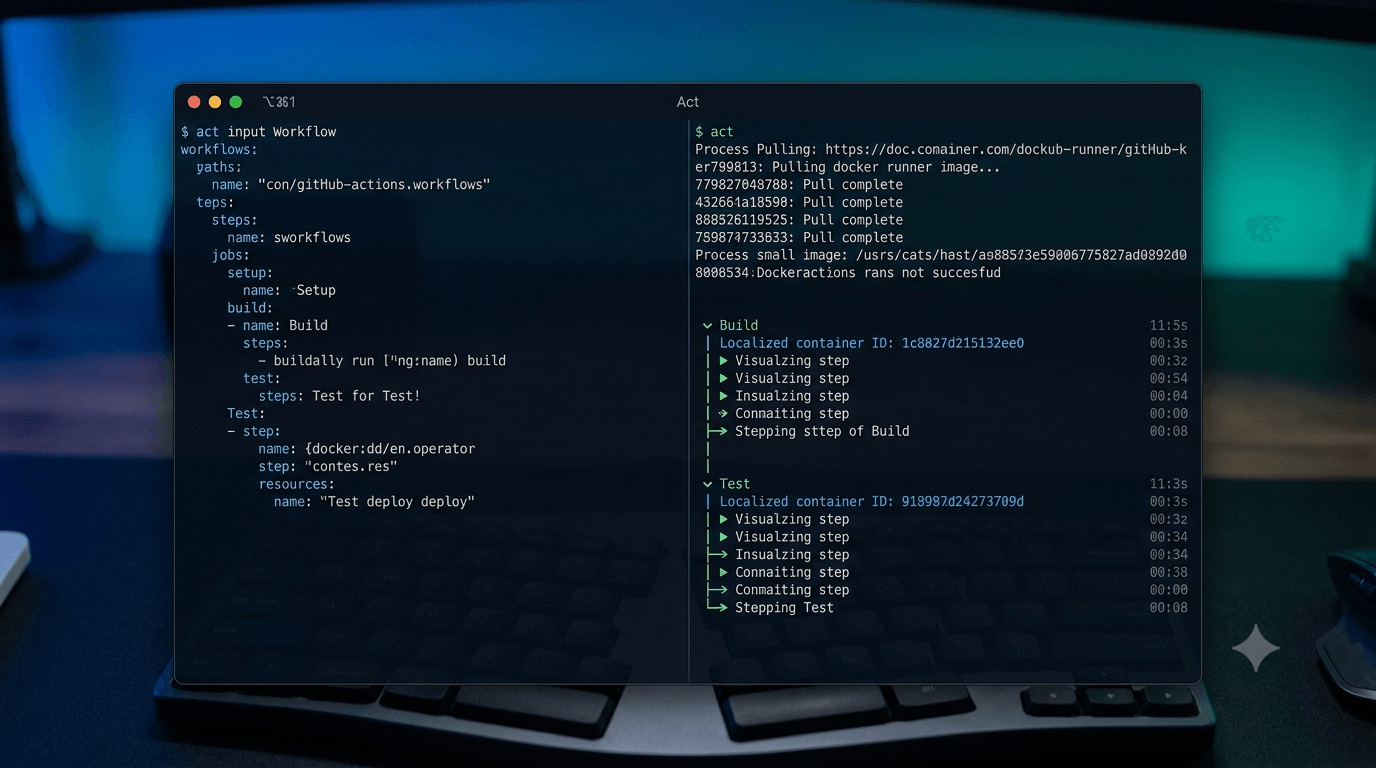
Imagine you have a standard test workflow saved inside .github/workflows/test.yml that triggers on a code push event:
name: Core Test Suite
on: [push]

jobs:
  build-and-test:
    runs-on: ubuntu-latest
    steps:
      - name: Checkout Code
        uses: actions/checkout@v4

      - name: Setup Node Environment
        uses: actions/setup-node@v4
        with:
          node-version: 20

      - name: Install and Run Tests
        run: |
          npm ci
          npm test
To run this workflow completely offline from the root of your project directory, simply run:
act push
act will intercept the push event string, match it to the workflow file, compile your code directories directly into a Docker container workspace volumes matrix, and stream the console outputs in real-time.
Step 4: Advanced Scenarios — Events, Secrets, and Artifacts
Real pipelines are rarely as simple as a basic push. They rely on webhooks, secure deployment keys, and matrix configurations. Here is how to manage complex environments locally.
Simulating Specific Webhook Events
If your workflow triggers on a complex event like a pull_request or an issue_comment, you can pass mock JSON payloads to test targeted behaviors.
Create a file named mock-event.json:
{
  "pull_request": {
    "head": { "ref": "feature-branch" },
    "base": { "ref": "main" }
  }
}
Trigger your workflow by passing the event type and payload path flags:
act pull_request -e mock-event.json
Safely Injecting Secrets and Variables
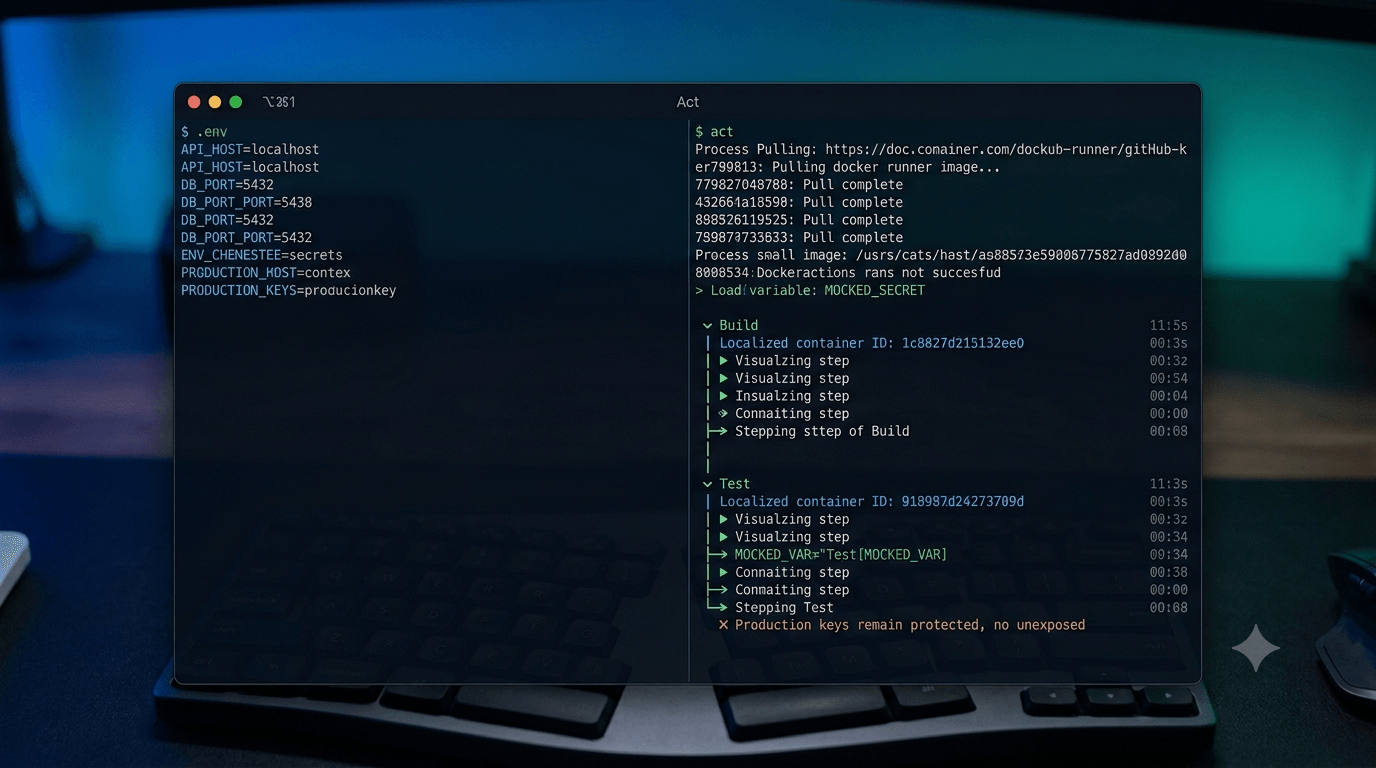
Never hardcode production API tokens or environment configs into your files. act allows you to load mock credentials locally using .env syntax files.
Create a file named .secrets (and add it to your .gitignore immediately!):
AWS_ACCESS_KEY_ID=MOCK_LOCAL_KEY_12345
DEPLOY_TOKEN=ghp_MockSecretTokenStringHere
Inject these variables directly into your execution context using the secure secret loader flag:
act --secret-file .secrets
Isolating Individual Jobs
If your workflow file contains multiple long-running jobs (e.g., lint, test, deploy) and you only want to focus on fixing a specific piece, use the targeted job parameter flag:
act -j build-and-test
Step 5: Common Gotchas and Limitations
While act is incredibly powerful, it is a simulation wrapper, not an identical duplicate of the GitHub cloud architecture. Keep these structural limitations in mind:
- Windows/macOS Runners:
actruns natively inside Linux Docker environments. If your workflow declaresruns-on: windows-latestorruns-on: macos-latest,actwill attempt to run them inside Linux wrappers, which will fail if you rely on native binaries like MSBuild or Xcode. - The Checkout Action Caveat: The native
actions/checkout@v4action usually fetches historical branches. When executed viaact, it copies your live local tracking directory as-is. Make sure your local folder doesn't contain giant compiled file structures that will slow down your container mounting states! Use a.actignorefile to omit massive binary data.
Wrapping Up
Adding act to your localized DevOps toolchain fundamentally changes how you develop automation infrastructure. It shortens your loop testing times from minutes to fractions of a second, protects your repository's commit history from pollution, and ensures that when your pipeline finally makes it to the cloud, it works flawlessly on the very first try.