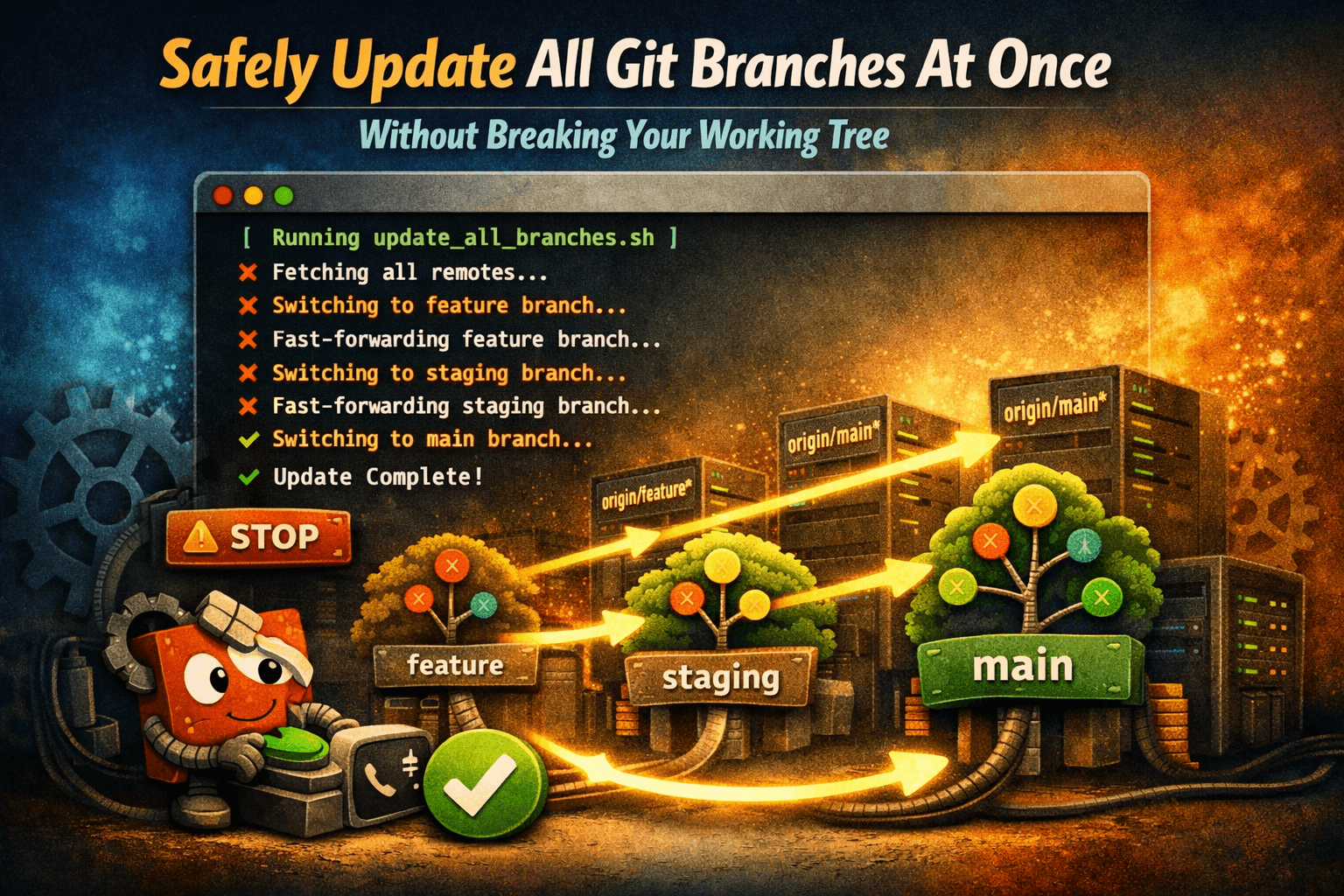

Picture this scenario. You return to a massive project repository after a long weekend. Dozens of team branches have updated on GitHub, and your local workspace feels incredibly left behind.
Naturally, you decide to write a quick, clever shell script line to pull everything down at once:
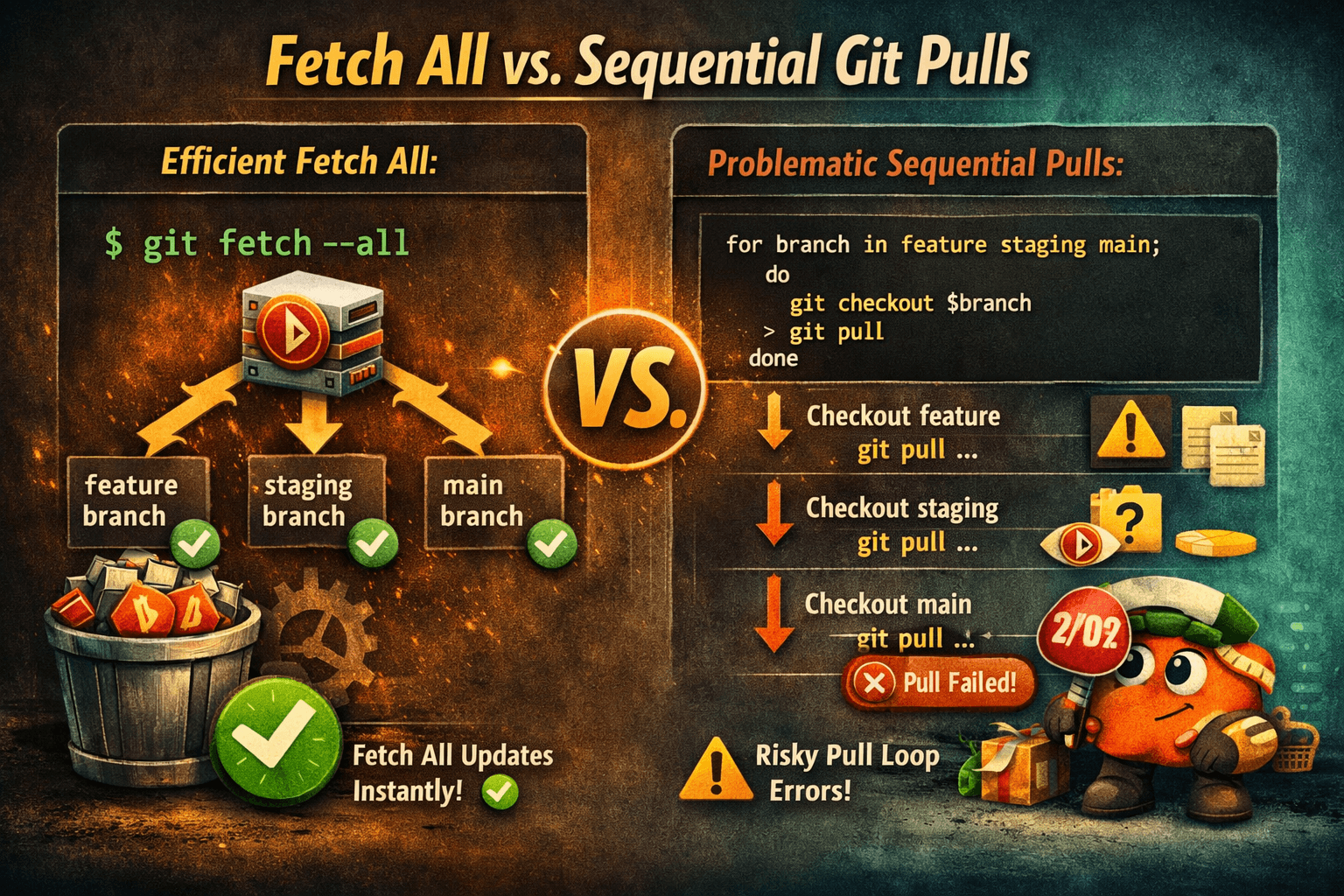
for branch in \((git branch -r \vert{} grep -v '\->'); do git pull\)branch; done
You hit Enter, expecting a beautifully synced repository. Instead, your console explodes into a mess of syntax errors, detached HEAD states, and unexpected merge conflicts.
Here is why your native git pull loops are broken, how to fix them, and the ultimate safe alternative.
Why The Naive Script Breaks Your Repo
To understand why the loop above fails, you have to look closely at how git pull operates under the hood. The command relies on two distinct expectations:
- Active Checkouts Only:
git pullis explicitly designed to download remote changes and immediately merge them into your currently checked-out local branch. It is physically incapable of updating separate background branches. - Argument Syntax:
git branch -routputs remote tracking references prefixed with the remote identifier (e.g.,origin/feature-auth). Passingorigin/feature-authdirectly to agit pullcommand breaks structural syntax.
If you run this inside your main branch, the loop will continuously try to force-merge every single remote branch into your clean main history.
The Instant Fix: Trust git fetch --all
Before writing custom automation scripts, remember that you rarely need to explicitly run a git pull on branches you aren't currently coding on.
If you simply want to download the latest state of the entire project to inspect histories or check things out later, run this native command:
git fetch --all
Why this is your best default:
- Zero Risk: It downloads the raw remote objects and updates remote tracking pointers (like
origin/main) without modifying your current workspace files. - No Merge Conflicts: It will never accidentally force a broken merge or pollute your active staging index.
- Server Friendly: It makes a single optimized network request instead of hitting your server individually for every branch reference.
Building the Automated Local Multi-Pull Script
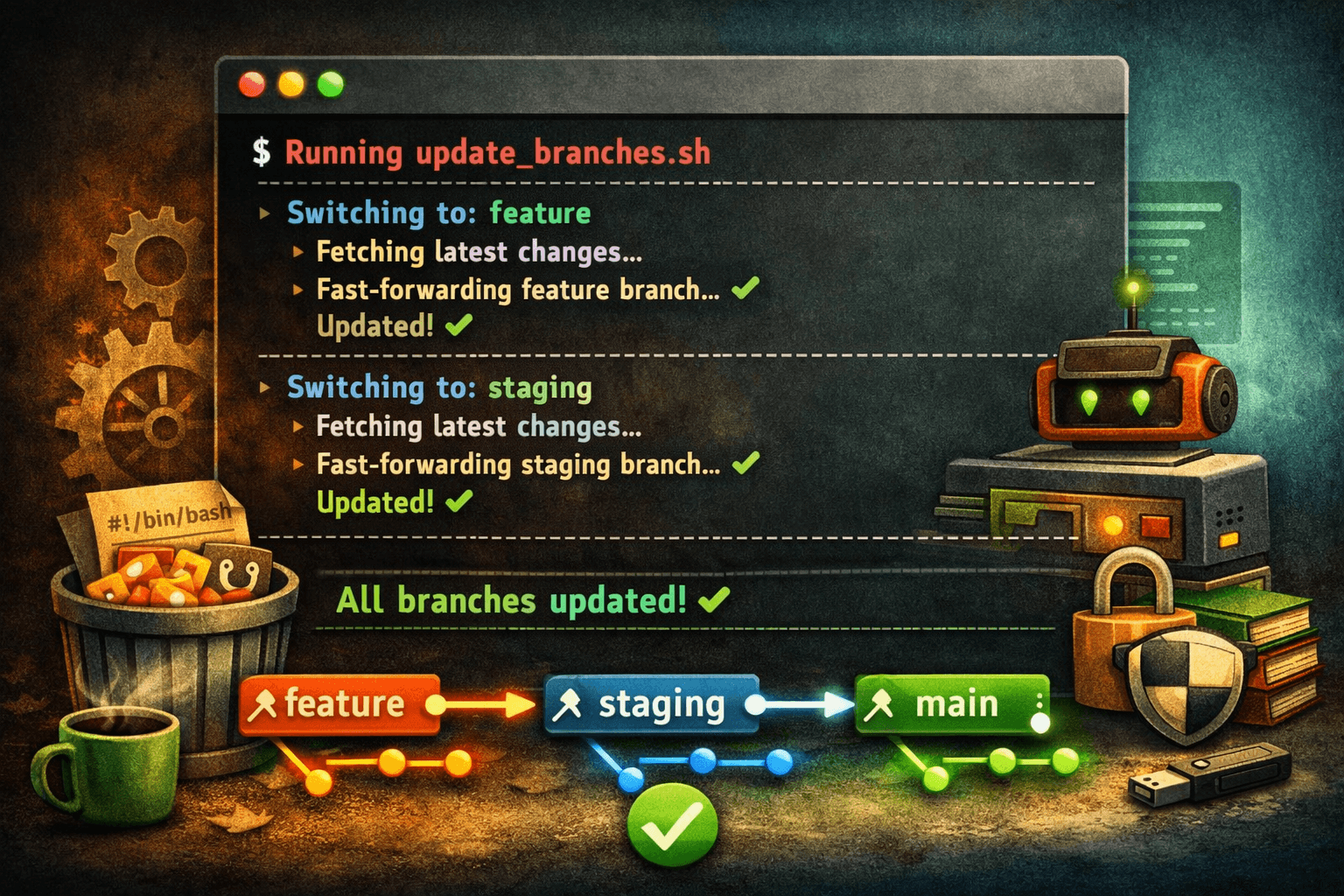
If you truly need every single local branch to immediately step forward and match its remote counterpart, you must explicitly force Git to safely navigate between branches.
Open a new shell script or your .bashrc/.zshrc file and add this robust layout:
#!/bin/bash

# 1. Stash any uncommitted workspace changes so they aren't lost
has_changes=\$(git status --porcelain)
if [ -n "\$has_changes" ]; then
    echo "Saving uncommitted work to stash..."
    git stash -u
fi

# 2. Save your current branch name to return safely later
current_branch=\$(git rev-parse --abbrev-ref HEAD)

# 3. Safely loop through clean local branch lists
for branch in \$(git for-each-ref --format='%(refname:short)' refs/heads/); do
    echo "Checking out \$branch..."
    git checkout "\$branch" 2>/dev/null

    # Use fast-forward only to avoid generating messy, unnecessary merge commits
    echo "Applying remote fast-forward updates..."
    git pull --ff-only
done

# 4. Return to your starting point and restore work
git checkout "\$current_branch" 2>/dev/null
if [ -n "\$has_changes" ]; then
    echo "Restoring your original uncommitted changes..."
    git stash pop
fi

echo "✨ All local branches synced successfully!"
Key upgrades in this script:
- Stash Safety Net: It actively checks for uncommitted edits and temporarily shelves them so your checkout transitions don't error out.
- Fast-Forward Restrictions: Using
--ff-onlyensures that if a local branch has split or drifted too far from the remote history, the script will gracefully skip it rather than creating an automated merge mess.
Convert This Into a Permanent Git Alias
Typing out long Bash scripts every time you open a project gets exhausting. Let's register this tool directly into your core Git configuration so it is accessible globally.
Open your global git configuration file:
git config --global --edit
Find the [alias] block and add a new custom command named pull-all:
[alias]
    pull-all = "!f() { \
        curr=\$(git rev-parse --abbrev-ref HEAD); \
        for b in \$(git for-each-ref --format='%(refname:short)' refs/heads/); do \
            git checkout \$b && git pull --ff-only; \
        done; \
        git checkout \$curr; \
    }; f"
Save and exit. Now, clean updates across your entire workspace are compressed into a single elegant command:
git pull-all
Wrapping Up
Automating your terminal flow should never come at the expense of your repository's stability. By switching from a raw git pull loop to an intentional, state-aware layout or leveraging git fetch --all, you keep your workflows smooth, fast, and entirely conflict-free.
:::

:::tabs-item{label="Preview" icon="i-lucide-eye"}

::callout
Lorem velit voluptate ex reprehenderit ullamco et culpa.
::

:::

::