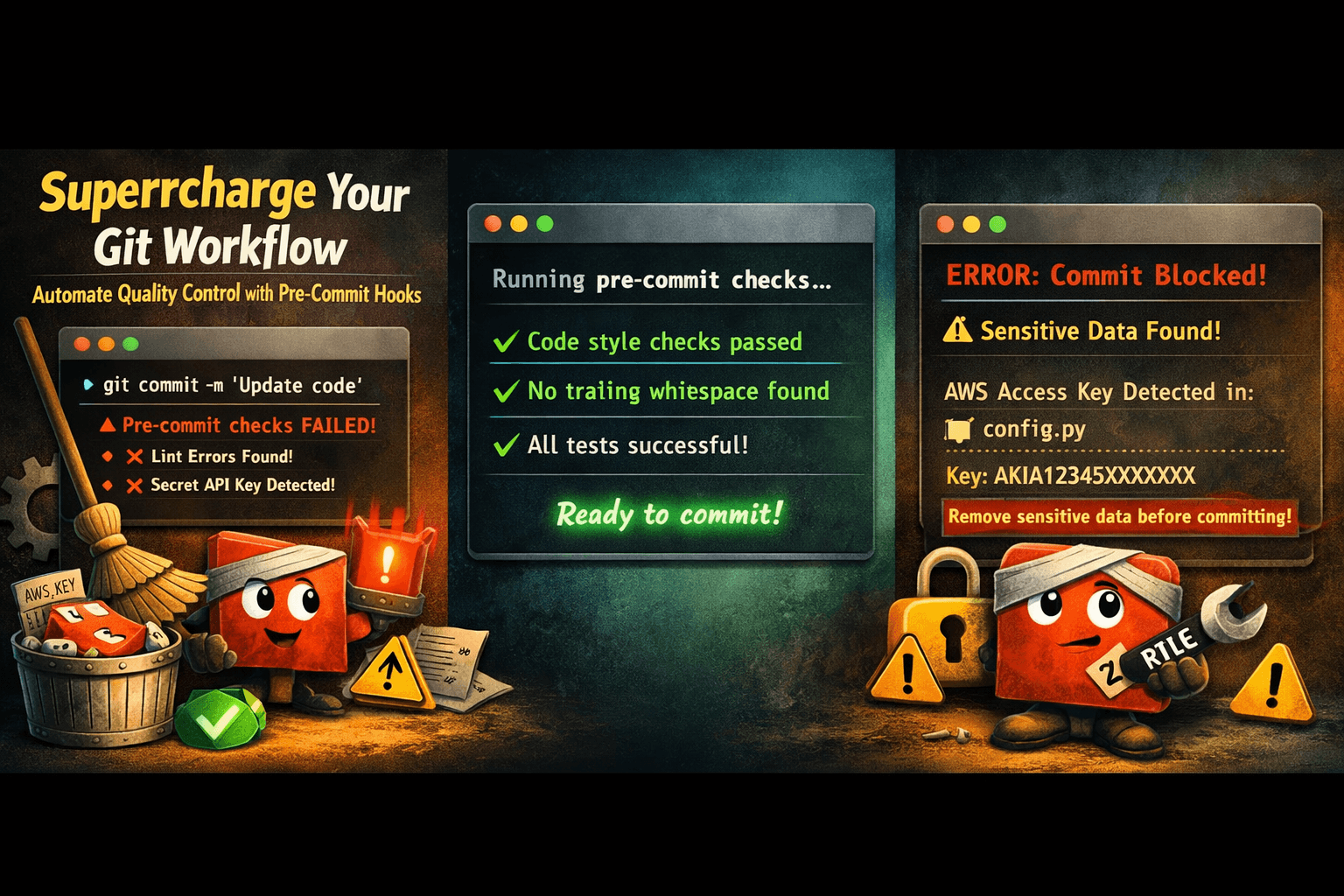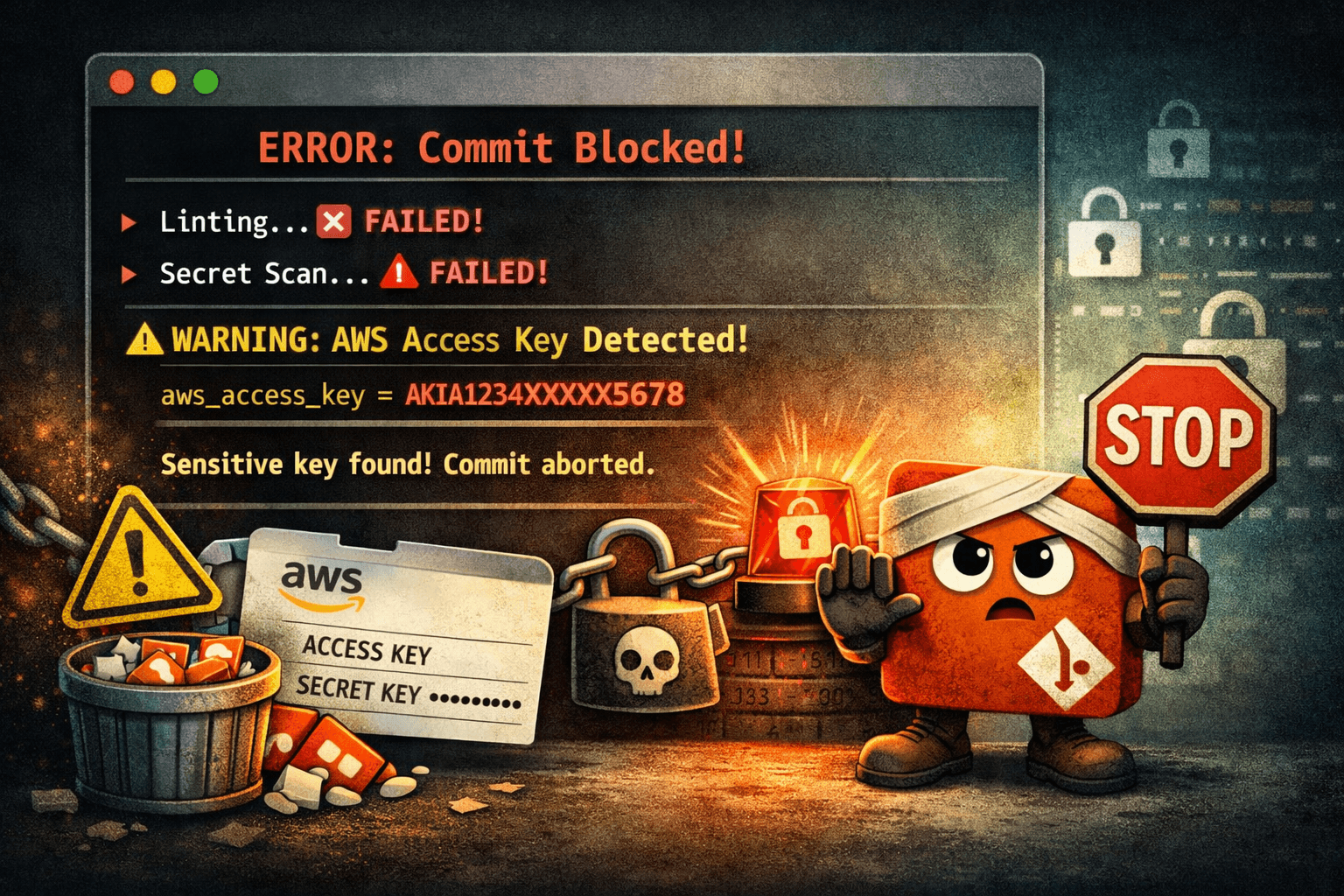

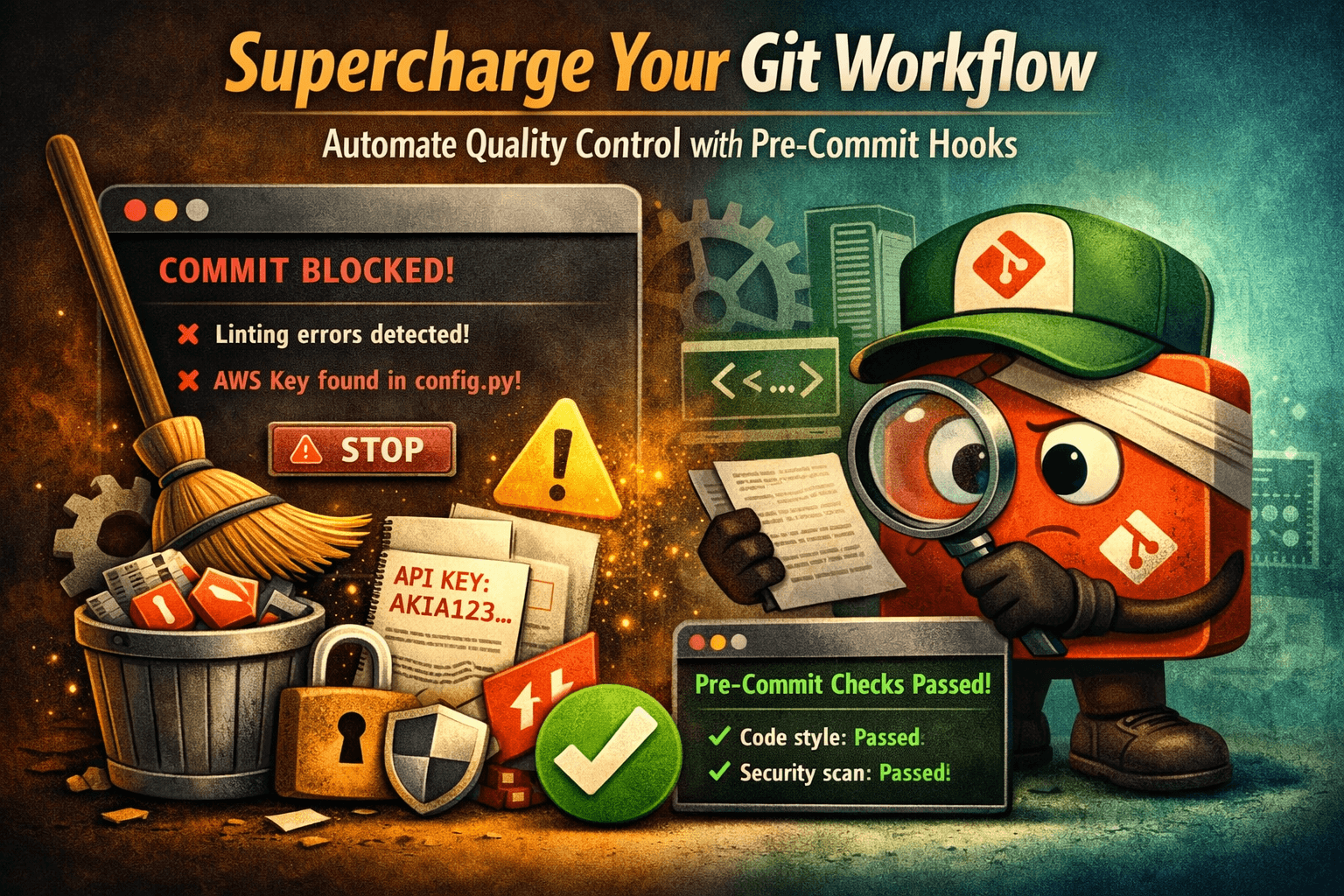
We have all done it. You type a fast git commit -m "fix typo", push it straight to production, and immediately break the automated CI/CD pipeline because you left a missing trailing semicolon, a broken bracket, or worse—a raw, unencrypted API key.
Instead of relying on remote servers to find your silly mistakes, you can force your local machine to check your work first.
By leveraging Pre-Commit Hooks, Git will automatically run your code through a gauntlet of formatters, linters, and security scanners. If anything is broken, it blocks the commit right on your desktop before it can ever infect your shared repository history.
Step 1: Why Built-In Git Hooks Are Clunky
If you look inside any project workspace directory under .git/hooks/, you will see a collection of sample shell scripts. You could write raw Bash scripts inside .git/hooks/pre-commit directly, but this approach has two massive problems:
- Non-Transferable: The
.git/folder is strictly ignored by your project history. Your team cannot download or share your custom hook rules.2. Maintenance Nightmare: Writing custom logic to isolate only changed lines, handle multiple languages, and format files safely takes hundreds of lines of brittle bash syntax.
To fix this, we use the industry-standard pre-commit framework. It abstracts away the complex logic into a single, clean configuration file.
Step 2: Installing the Pre-Commit Framework
First, install the pipeline manager tool using your favorite system package manager:
# macOS (Homebrew)
brew install pre-commit

# Windows (Winget or Pip)
winget install pre-commit
# OR: pip install pre-commit
Verify that the installation was successful by checking the version string:
pre-commit --version
Step 3: Architecting Your Multi-Language Blueprint
Navigate to the root directory of your project repository and create a brand new configuration file named .pre-commit-config.yaml:
touch .pre-commit-config.yaml
Open this new file and paste the following high-utility core structure. This layout handles standard code hygiene, layout formatting, and automated security scans all at once:
# See https://pre-commit.com for more information
# See https://pre-commit.com for more community hooks

repos:
  # 1. Standard Code Hygiene & Cleanup
  - repo: https://github.com

    rev: v4.6.0 # Use the latest stable version
    hooks:
      - id: trailing-whitespace # Trims unnecessary spaces at the end of lines
      - id: end-of-file-fixer # Ensures files end with a standard newline character
      - id: check-yaml # Validates structural syntax of all YAML files
      - id: check-added-large-files # Blocks giant files from accidentally bloating the repo

  # 2. Security: Stop Secret & Credential Leaking
  - repo: https://github.com

    rev: v8.18.2
    hooks:
      - id: gitleaks-system # Scans staged lines for AWS, Stripe, or GitHub API tokens

  # 3. Code Formatting (Example: Python/Web Assets)
  - repo: https://github.com

    rev: 24.4.2
    hooks:
      - id: black # Instantly formats Python files to strict style guides
Step 4: Activating Your Local Shield
Creating the configuration configuration file isn't enough; you must explicitly instruct Git to bind itself to the pipeline manager engine.
Run this command inside your project root:
pre-commit install```

You will see a success output: `pre-commit installed at .git/hooks/pre-commit`.

From now on, whenever you execute a `git commit`, the pre-commit manager intercepts the action, extracts only your staged code changes, and runs them through your configured tools.

### What Happens When a Hook Fails?
If the pipeline catches an error (e.g., you left extra spaces or `gitleaks` flags a secret string), the process will abort entirely:

```text
Trailing Whitespace..................................Failed
End of File Fixer....................................Passed
Gitleaks System......................................Passed
[x] Commit blocked! Fix the formatting errors and stage files again.
The tool will often automatically fix the formatting files directly in place for you. All you have to do is re-stage the corrected modifications (git add .) and re-run your commit command!
Step 5: Forcing a Complete Manual Review
Hooks are configured by default to only scan files that are actively changing in your current commit. If you want to force the engine to audit every single file across your entire legacy workspace tree right now, execute:
pre-commit run --all-files
This is highly recommended when introducing pre-commit pipelines into an older, existing project for the first time to clean out historical style issues.
Wrapping Up
By introducing automated pre-commit triggers, you effectively build a lightweight continuous integration layer directly on your workspace terminal. You save yourself from pipeline failure notifications, protect your infrastructure from credential leaks, and guarantee that every commit pushed to your remote repository is structurally clean.