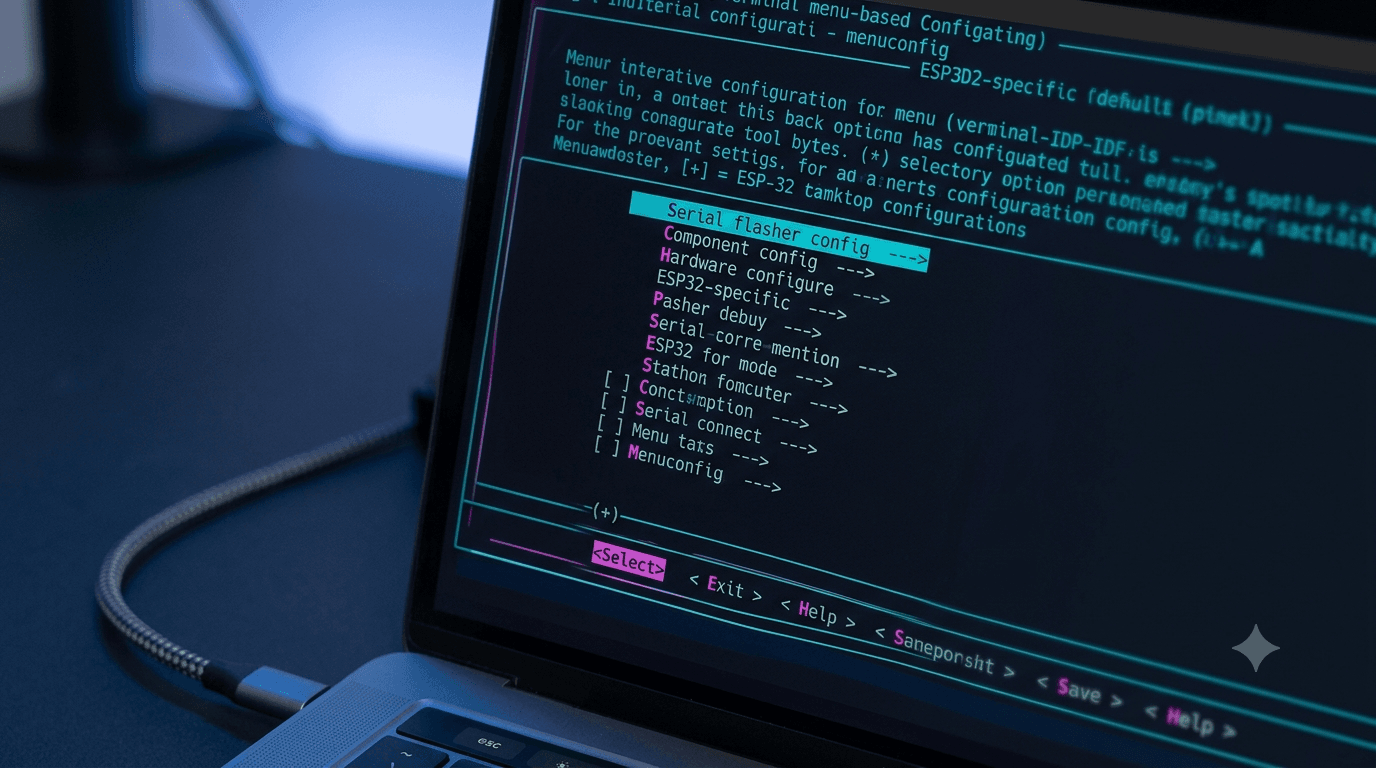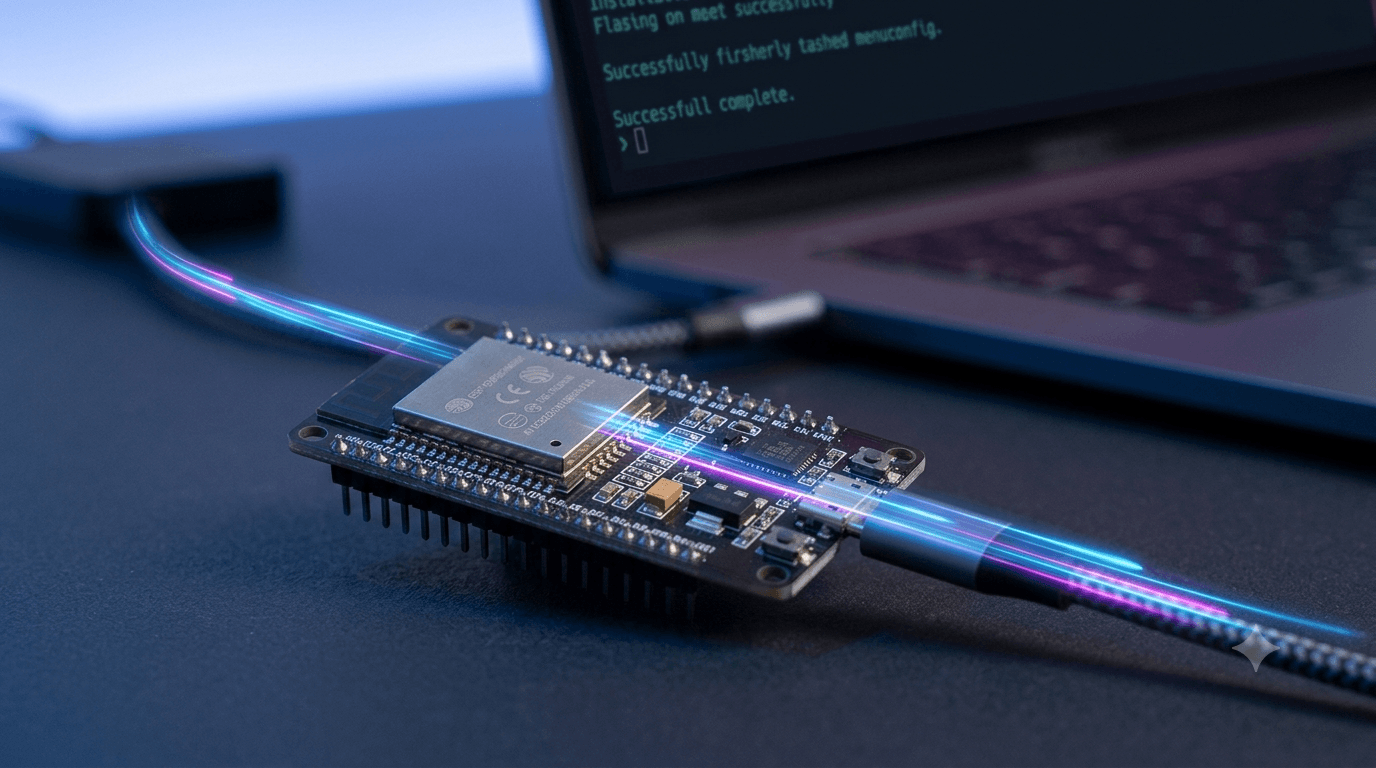

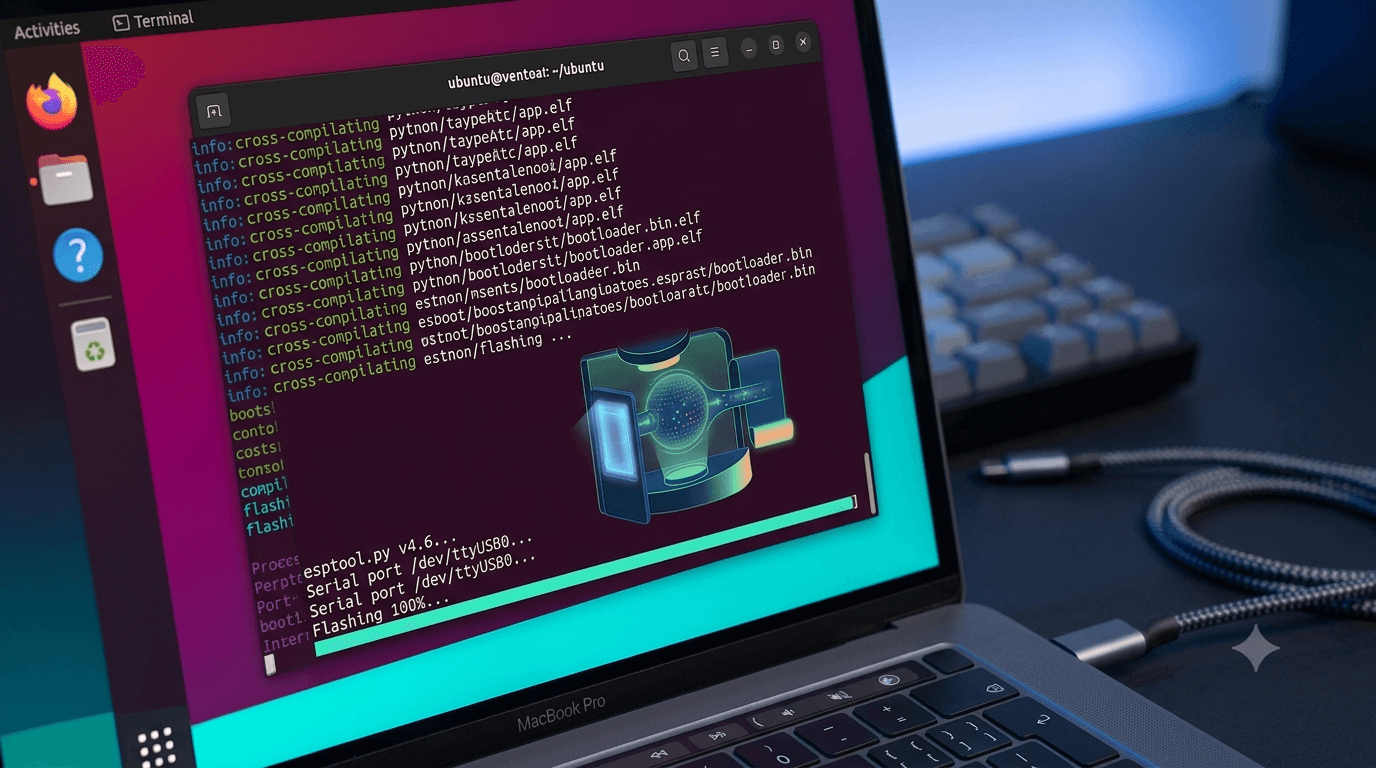
Setting up an embedded development ecosystem on Linux shouldn't feel like guesswork. While Espressif's IoT Development Framework (ESP-IDF) provides massive flexibility for targeting microcontrollers like the standard ESP32, ESP32-S3, or ESP32-C3, configuring the native tools requires a precise sequence of system dependency curation and shell workspace preparation.
This comprehensive guide details the absolute path to setting up a production-ready ESP-IDF development environment natively on an Ubuntu system, including fixes for line endings (CRLF), peripheral port configurations, and shell environment persistence.
Preparing Host Tools and Dependencies
The ESP-IDF toolchain requires specific host utility packages—ranging from build engines like CMake and Ninja to cross-compilation system modules. Update your internal package paths first using the Advanced Package Tool (APT):
Refresh system software index repositories
sudo apt update
Install required build tools, Python environments, and underlying USB port managers
sudo apt install -y git wget flex bison gperf python3 python3-pip python3-venv \
cmake ninja-build ccache libffi-dev libssl-dev dfu-util libusb-1.0-0 dos2unix
Ensure your Python installation is functional before proceeding:
python3 --version
Cloning the Target Code Repository
Create a structured development folder inside your user home directory to house the framework workspace. To keep things highly compatible across active projects, clone the repository while explicitly retaining structural submodules:
Form the core directory path
mkdir -p ~/esp
cd ~/esp
Clone the main repository framework into a local folder named espidf
git clone --recursive https://github.com/espressif/esp-idf.git espidf
The Broken Submodule Catch-All
If you previously pulled down the project files but skipped the submodule dependencies during initialization, your local repository tree will sit in an incomplete state. Repair it instantly by running:
cd ~/esp/espidf
git submodule update --init --recursive
Purging Cross-Platform Shebang Line Issues
If your repository configurations pass through host file servers or a Windows subsystem before arriving on your Ubuntu box, line endings can easily convert from Unix LF format to Windows CRLF formats. This hidden alteration triggers terminal script rejections like:
usr/bin/env: ‘bash\r’: No such file or directory
Fix this instantly across your whole localized repository tree before calling any internal installer scripts:
cd ~/esp/espidf

### Force any corrupted shell scripts back into proper native Unix layout parameters
find . -name "*.sh" -exec dos2unix {} +
Triggering the Toolchain Installation
With clean formatting secured, execute the structural installation script. While you can opt to install tool sets for every single target variant via ./install.sh all, targeting only your explicit board framework saves hours of disk read times and download space.
For standard boards such as the ESP32-DevKitC (esp32dev), pass the esp32 parameter directly:
cd ~/esp/espidf
./install.sh esp32
This script builds an isolated Python environment and populates custom cross-compilation binaries (such as xtensa-esp32-elf) natively within a hidden directory layout (~/.espressif).
Mapping the Active Shell Workspace
The environment tools are completely isolated by design to prevent conflicting with regular Linux operations. Consequently, you must load the active tool configuration paths into your shell workspace session before compilation.
Source the configuration environment map directly
cd ~/esp/espidf
. ./export.sh
Establishing a Permanent Environment Shortcut
Running that explicit script string manually every time you launch a fresh Ubuntu terminal window is tedious. Simplify your pathing by introducing a terminal profile alias:
- Open your native terminal profile configuration:
nano ~/.bashrc
- Paste this macro line at the absolute bottom of the document space:
alias get_idf='. ~/esp/espidf/export.sh'
- Save the changes and exit ( + O Enter Ctrl + X).
Now, entering the lightweight command get_idf inside any new bash terminal session instantly prepares your environment workspace.
Project Compilation, Flashing, and Port Access
With your environment loaded cleanly, test the complete pipeline by spinning up a fresh workspace program outside of your framework code repository path:
Copy a foundational template application to your workspace
cp -r ~/esp/espidf/examples/get-started/hello_world ~/esp/
cd ~/esp/hello_world
## Clean up any lingering or corrupted configuration file configurations
rm -rf build/

## Target your hardware profile layout parameters
idf.py set-target esp32
Managing System Port Permissions
When you plug your ESP32 board into a USB port on Ubuntu, the kernel creates devices like /dev/ttyUSB0 or /dev/ttyACM0.
However, standard Linux users lack read/write permissions for these devices by default, causing flashing attempts to fail with a Permission Denied error.
Grant your active system user profile permanent access privileges:
sudo usermod -aG dialout $USER
Compiling, Flashing, and Monitoring
Chain your final terminal steps together to execute compilation, flash binaries directly to your hardware, and capture serial terminal output in real time:
idf.py build flash monitor
To exit the real-time serial monitor window safely at any time, press Ctrl + ].